
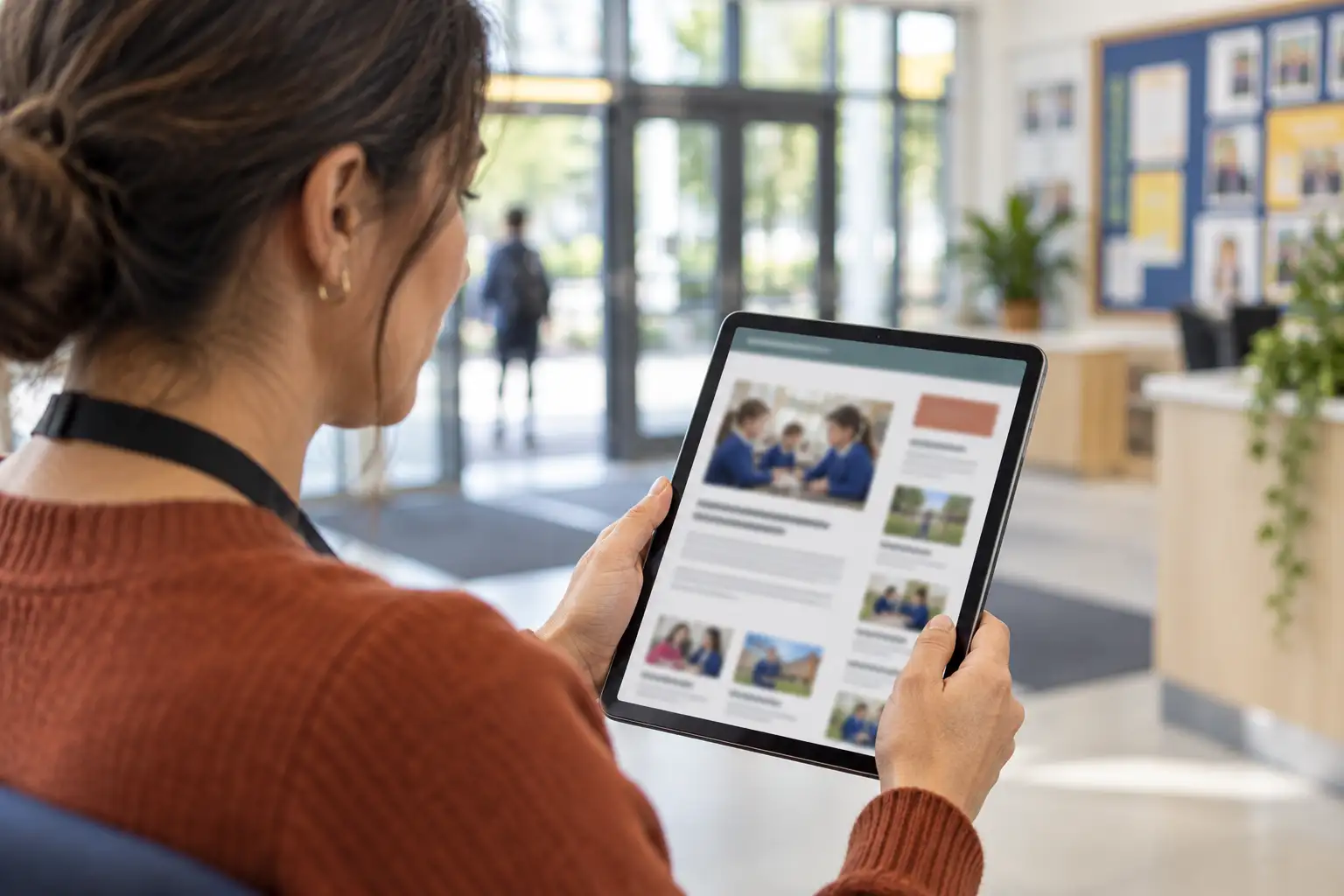
School website news is often one of the simplest ways to show families what is happening in school. It can highlight achievements, explain important activities and provide a regular sense of school life.
But publishing news regularly does not automatically make it useful.
A short article with a vague headline, little context and no clear next step may be quickly forgotten. A well-structured update, on the other hand, can answer a family’s question, explain why something matters and help readers find more information without needing to contact the school.
The aim is not to turn every update into a lengthy feature. It is to make each piece of news clear, relevant and easy to use.
Start with a headline that explains the story
A headline should help families understand the subject of an article before they open it. It should be specific enough to set expectations, while remaining concise.
Headlines such as “A busy week” or “What a fantastic day” may sound positive, but they do not tell readers what happened. They are also less useful when families are scanning a news archive or trying to find an update later.
A stronger headline explains the main point:
- “Year 6 pupils take part in a local history visit”
- “New breakfast club arrangements from September”
- “School choir performs at community concert”
- “Information for families ahead of sports day”
The best wording will depend on the story, but a useful test is simple: could someone understand the subject without reading the introduction?
Clear headlines also help staff manage the news archive. Over time, a collection of descriptive titles becomes a useful record of school activity. Families can scan it more easily, and staff are less likely to need to open several articles to find the update they need.
Give families the context they need
A news article should not assume that every reader already knows what happened. Families may understand the general subject but still need practical details.
Before publishing, consider whether the article answers the following questions:
- What happened?
- Who was involved?
- When did it happen?
- Why was it important or useful?
- Is there anything families need to know or do next?
Not every article needs a formal list of answers. The information can be included naturally in the opening paragraphs and supporting details.
For example, an update about a school trip could explain the purpose of the visit, the year group involved and how the activity connected with the wider life of the school. A piece about an upcoming event should make the date, audience and practical arrangements easy to find.
Context also matters when an article is shared away from the website. Families may see a link in an email, social media post or messaging platform without having read earlier updates. The article should still make sense when accessed on its own.
For Multi-Academy Trusts, context may also include the name of the academy. If news is published through a shared Trust structure, make it clear which school or community the article relates to. This avoids confusion and helps visitors understand the relationship between Trust-wide and academy-level content.
Make the opening useful
The first paragraph has an important job. It should confirm what the article is about and give readers a reason to continue.
A useful opening might summarise the event, explain an important change or introduce the outcome of an activity. It should avoid spending too long on general statements before reaching the practical information.
For example, instead of beginning with a broad statement about how enriching school activities can be, start by explaining what pupils or families need to know about the specific activity.
This approach benefits readers using mobile devices, who may decide quickly whether an article contains the information they need. It also helps staff who are checking an update quickly during a busy day.
A short article can still have a useful opening. The goal is clarity, not length.
Use images consistently and purposefully
Images can make website news more engaging, but they should support the story rather than act as decoration.
Where appropriate, choose an image that shows the people, activity or setting connected with the article. If a suitable photograph is not available, it may be better to use a simple, consistent alternative than to add an unrelated image.
Schools should also consider how images work across the wider news area:
- Are featured images presented in a consistent shape?
- Do they crop well on mobile screens?
- Are they clear when displayed as small cards?
- Do they represent school life appropriately and inclusively?
- Are permissions and internal processes being followed?
Consistency helps the news archive feel organised. It also makes it easier for staff to prepare new content without having to make design decisions from scratch each time.
The image should not carry information that is missing from the text. Important details should remain available to people who cannot see the image, including visitors using assistive technology or devices where images do not load.
Format articles for scanning
Families do not always read school news from beginning to end. They may be looking for one particular detail, such as a date, location or link.
Useful formatting makes that easier. Keep paragraphs reasonably short and use subheadings where an article covers several points. Lists can help present dates, items to bring or steps to follow.
Avoid placing a large block of information immediately after the headline. Break the article into sections so that readers can identify the part that matters to them.
Formatting should also be considered on smaller screens. A layout that appears comfortable on a desktop computer may become harder to read on a phone if paragraphs are too long, links are crowded together or important information is buried at the bottom.
The content management system should make these formatting choices straightforward for staff. Simple editing tools, sensible templates and clear guidance can reduce the time needed to publish a well-presented update.
Include a relevant next step
A useful news article should help readers understand what they can do next, where that is relevant.
The next step might be:
- Reading the full arrangements for an event
- Visiting a relevant page on the school website
- Completing a form
- Viewing a timetable or downloadable document
- Contacting the school with a specific question
- Finding related information about admissions or school life
The link should be placed near the information that makes it relevant. Avoid adding a collection of generic links that do not clearly relate to the story.
Link text should explain the destination. “Click here” gives little information, particularly for people navigating by links or scanning a page. “Read the sports day arrangements” is more useful because it describes what the reader will find.
It is also worth checking links after publication. A news article can become less useful if it points to an old page, an unavailable document or a form that is no longer open.
Keep the news archive organised
A news section works best when it is treated as an ongoing part of the website rather than a place to store occasional updates.
Schools can improve its usefulness by agreeing simple publishing principles, such as:
- A consistent headline style
- A clear approach to dates
- Suitable featured images
- A standard structure for practical information
- A review process for links and time-sensitive content
- Clear ownership for drafting, checking and publishing
This does not need to become a complicated approval system. The right process will depend on the size of the school and the number of people involved.
It is also useful to review older news periodically. Some updates may be valuable as a record of school life, while others may contain information that is no longer current. If an old article includes dates, forms or arrangements that could confuse families, consider updating it, adding a clear note or removing it in line with the school’s content approach.
For Trust central teams, shared guidance can help academies work consistently while retaining room for local news and tone of voice.
Check accessibility before publishing
Clear news content is part of a more accessible website experience. Before publishing, check that:
- Headings follow a logical order
- Link text describes the destination
- Images have suitable alternative text where needed
- Colour is not the only way information is communicated
- Text remains readable on mobile devices
- Documents linked from the article are easy to identify
- The article does not rely on an image to communicate essential information
Accessibility is not only a technical consideration. It is also about helping people understand and use information with as little unnecessary effort as possible.
If several staff members publish news, short internal guidance and practical training can help maintain a consistent standard. A website should make good content easier to create, not require every editor to understand complex technical processes.
Review what families actually use
Schools can use website data and feedback to understand which types of news are most useful. Look at patterns such as popular articles, frequently used links and pages where visitors may be leaving quickly. This information should be considered alongside staff knowledge and questions received from families.
The purpose is not to chase clicks or publish more content for its own sake. It is to identify where clearer information could reduce uncertainty and improve communication.
A useful review might ask:
- Which updates receive the most attention?
- Are families finding practical information?
- Do important announcements have clear next steps?
- Are older articles still accurate?
- Are there repeated questions that a better article could answer?
- Is the process manageable for the staff responsible for publishing?
These questions can help schools improve both the content and the workflow behind it.
Make every update earn its place
School website news does not need to be elaborate to be effective. A clear headline, useful context, relevant image, readable structure and appropriate next step can make a short update much more valuable.
The strongest news sections reflect the needs of their audience and the reality of school communications. They provide timely information without creating unnecessary work for staff, and they help families understand what is happening and where to find further detail.
If your website makes it difficult to publish clear, well-structured news, the issue may be the content management experience, the page design or the wider information structure. Reviewing those foundations can make regular communication easier to manage.
There is no ideal length for every update. A short article may be appropriate for a simple announcement, while a more detailed story may need additional context and links. The important point is that the article includes the information families need and avoids unnecessary repetition.
Not necessarily. A relevant image can help visitors understand and engage with a story, but an unrelated image may create confusion. Use images consistently where they add value, and make sure essential information is also available in the text.
Use clear headlines, short paragraphs, descriptive subheadings and links that are easy to identify and tap. Check the article on a mobile device before or after publishing, particularly when it includes tables, documents or several links.
Responsibility will vary by school. Some schools use one communications lead, while others share publishing across a small team. Whatever the arrangement, clear ownership, simple guidance and an agreed checking process can help maintain consistency.
Need to improve your school website content?
If your school website is difficult to update or your news section is not helping families find information, talk to Design for Schools about your requirements. You can also call 0161 883 0043 or email hello@designforschools.co.uk.