
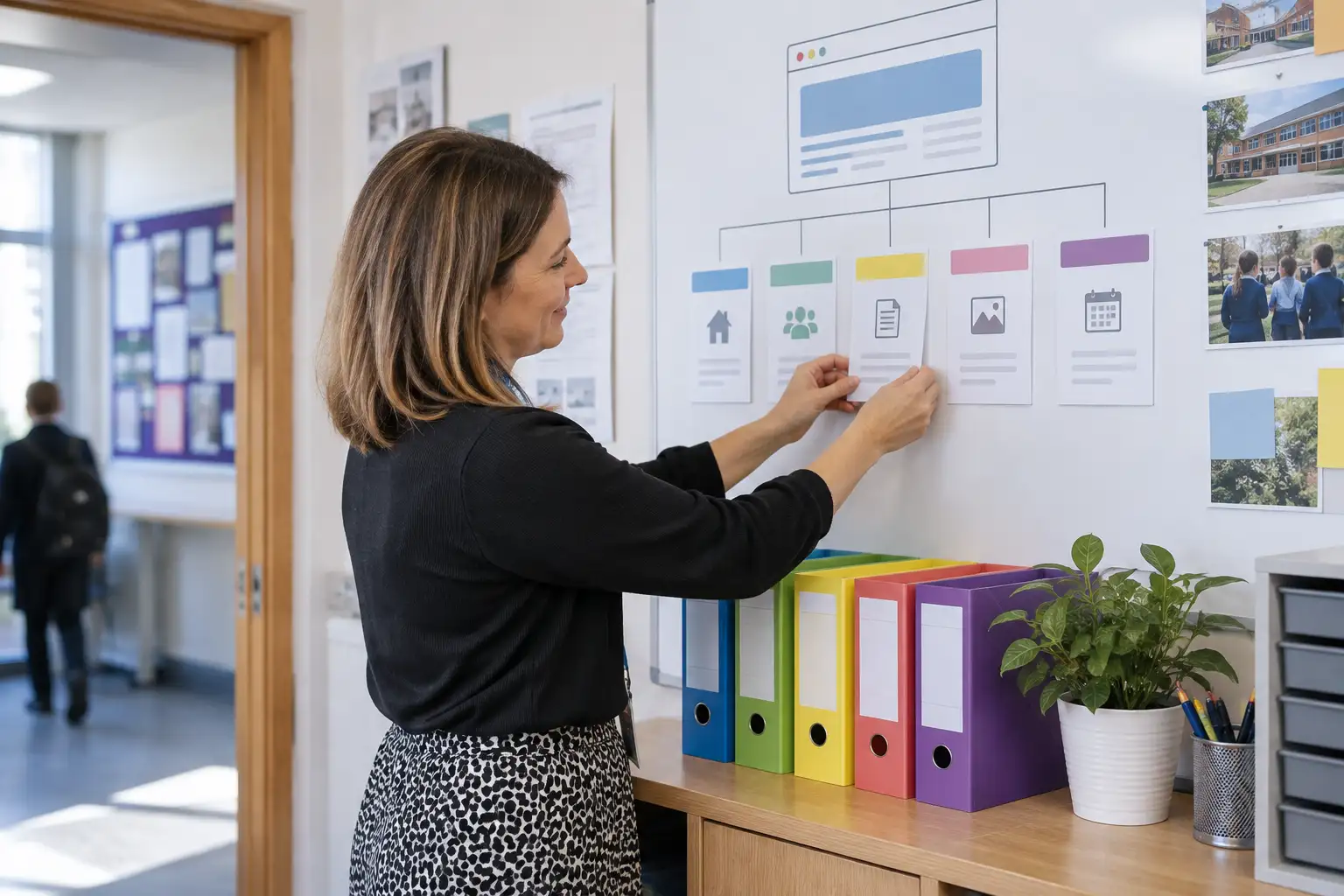
A school website should make routine updates feel straightforward, not like a technical project every time someone needs to change a term date or publish a news story.
For busy school teams, the difference is rarely just visual design. It comes from the decisions behind the website: how content is organised, how editing works, what staff can change, and how updates move from draft to publication.
A website that is easy to manage helps staff keep information current without relying on a developer for every small adjustment. It can also make responsibilities clearer, reduce duplicated work and give visitors a more consistent experience.
Start with the people who will manage the website
The first question should not be, “What features can the website include?” It should be, “Who will use it, and what will they need to do?”
A primary school may have one office manager or administrator handling most updates alongside many other responsibilities. A secondary school may share website tasks between the communications team, reception, curriculum staff and senior leaders. A Multi-Academy Trust may need a central team to manage Trust content while individual academies maintain their own local information.
These teams will have different levels of time, confidence and technical experience. A suitable website should reflect that reality.
Useful questions during planning include:
- Which updates happen every week?
- Which pages need regular review?
- Who is responsible for statutory information?
- Which staff members need editing access?
- Which changes require approval before publication?
- Are there tasks that currently involve copying and pasting information in several places?
Understanding these routines early helps shape a website around real administrative needs rather than assumptions.
A clear content management system reduces friction
The content management system, or CMS, is the part of the website staff use to add and edit content. It should be approachable enough for everyday users while still providing the control needed to manage a professional school website.
For most teams, this means being able to:
- Add and edit pages without touching code
- Publish news and updates using a consistent format
- Create events with dates, times and useful details
- Upload documents and images in a straightforward way
- Update staff, governor or contact information
- Manage navigation and page visibility safely
- Preview changes before they go live
A familiar interface helps, but simplicity is more important than the number of available options. If staff are presented with too many fields, settings or formatting controls, routine work can become slower and less consistent.
Good editing tools use plain labels and sensible defaults. They guide users towards the right content type rather than asking them to build every page from scratch.
For example, adding a school news story should feel different from updating a permanent information page. An events tool should provide the fields needed for an event without requiring staff to format dates manually. The less repeated decision-making involved, the easier the system is to maintain.
Page structures should match the way information is used
A website can be technically easy to edit but still difficult to manage if its structure is unclear.
A strong page structure gives each type of information a logical home. It also helps staff understand where new content belongs and prevents the navigation from becoming crowded over time.
Permanent information might be organised into sections such as:
- About the school
- Information for families
- Curriculum and learning
- Admissions
- Safeguarding and policies
- News and events
- Contact details
The exact structure will depend on the school, but the principle is consistent: group related content in a way that makes sense to both visitors and editors.
It is also useful to distinguish between content that changes frequently and content that changes occasionally. News stories and events may need their own tools, while policies and key information may sit within carefully structured pages.
This separation makes routine updates more efficient. Staff do not need to rebuild a page each time they publish an event, and older content can be managed without interfering with the main navigation.
Reusable templates make regular tasks quicker
Templates are one of the most practical ways to reduce administration.
Instead of creating every page from a blank screen, staff can use pre-designed layouts for common content. These might include:
- News articles
- Events
- Staff profiles
- Subject or curriculum pages
- Vacancy listings
- School clubs and activities
- Downloadable documents
- Academy or campus profiles
A template can provide the right headings, image areas, buttons and information fields from the start. Staff still control the content, but they do not have to make repeated layout decisions.
This improves consistency as well. News stories are more likely to have a clear title, suitable image and useful summary. Staff pages are less likely to vary widely in format. Visitors receive a more coherent experience across the website.
Templates should not make every page look identical. They should provide a reliable framework while allowing enough flexibility for the content to remain useful and engaging.
Repeated information should not need repeated editing
School websites often contain information that appears in more than one place. Contact details, term dates, important links, admissions information and academy details may all be needed across different sections.
If staff have to update every instance manually, there is a greater risk that one version will be missed. That can create confusion for families and additional checking work for the school.
Where appropriate, shared content or central fields can reduce this problem. Updating a phone number or key document in one place can then update the relevant areas of the website.
This needs to be planned carefully. Not every piece of content should be centralised, particularly where individual schools need local control. However, identifying genuinely shared information can save time and improve accuracy.
For a Trust managing several websites, this becomes especially important. A central approach may be useful for selected Trust-wide content, while each academy retains control over its own news, events and local information.
Permissions should reflect responsibility
Not every user needs access to every part of a website.
A simple permissions structure can help protect important content while allowing staff to work efficiently. For example:
- An administrator may manage most website content
- A communications lead may publish news and announcements
- Office staff may update events and contact information
- A subject or department lead may contribute content for review
- A senior member of staff may approve selected updates
The exact roles will vary, but permissions should be proportionate. If the process is too restrictive, routine updates may become dependent on one person. If everyone has full access, mistakes are more likely and accountability becomes less clear.
A good system supports collaboration without creating unnecessary bureaucracy.
Workflows should be clear, not complicated
A website workflow is simply the route content takes from an idea to publication. It may be as simple as one person writing and publishing an update, or it may involve drafting, checking and approval.
The right process depends on the type of content.
A short reminder about a school event may not need several approval stages. A policy update, safeguarding notice or Trust-wide announcement may require a more formal check.
The important thing is that staff understand:
- Who creates the content
- Who checks it
- Who approves it
- Who publishes it
- When it should be reviewed or removed
This information can be documented in a short website guidance note. It can also be supported by features such as drafts, scheduled publishing and revision history where they are genuinely useful.
A complicated workflow can discourage staff from updating the website. A completely informal workflow can lead to inconsistent content. The best approach is usually clear and proportionate.
Search and media management matter too
Staff should be able to find existing content quickly. This includes pages, documents, images and older news stories.
A well-organised media library can help prevent duplicate uploads and make it easier to reuse suitable assets. Clear file names and sensible folders are more useful than a large collection of unlabelled images.
It is also worth considering what happens when a page moves or is replaced. Staff should not need technical knowledge to manage links safely, redirect an old page or remove an outdated document.
Internal search is another practical consideration. If a member of staff cannot quickly locate a page in the administration area, they may create a duplicate instead. This gradually makes the website harder to maintain.
Training and support complete the system
Even an intuitive website benefits from a proper handover.
Staff should receive guidance based on the tasks they actually carry out. Short video tutorials, written help guides and practical training can all be useful, particularly when they explain the school’s own content structure rather than only the software.
Training should cover:
- Logging in and finding the right area
- Creating and editing common content types
- Adding images and documents
- Previewing and publishing updates
- Following the school’s approval process
- Checking older information
- Getting help when something is unclear
It is also sensible to plan for staff changes. A website that only one person understands becomes difficult to manage when that person leaves or changes role.
Ongoing support can give staff a route to ask questions, resolve issues and make sensible improvements as their needs develop.
A practical test for your next website project
Before approving a website design, ask the people who will manage it to demonstrate common tasks.
Can they:
- Add an event without assistance?
- Publish a news story using the correct format?
- Find and update a key document?
- Change a piece of contact information?
- Locate a page that needs review?
- Understand who needs to approve an update?
- Correct a mistake without starting again?
These tests are often more revealing than a design presentation. A website may look excellent but still create unnecessary work if its content management and workflow choices are not right for the school.
The best school websites support both audiences: visitors who need clear, accessible information and staff who need to keep that information accurate. When the page structure is logical, the CMS is intuitive, templates are reusable and responsibilities are clear, day-to-day administration becomes much more manageable.
No. A suitable content management system should allow staff to carry out routine updates without coding or specialist technical knowledge. Training and clear guidance are still valuable, but everyday tasks such as adding news, updating events and editing pages should be accessible to the school team.
Templates are most useful for content that is published regularly or follows a consistent format. News, events, staff profiles, vacancies, subject pages and academy profiles are common examples. Templates save time and help content remain consistent.
There is no single correct number. Access should reflect the size of the team and the work that needs to be done. It is usually helpful to have more than one trained administrator, with permissions matched to each person's responsibilities.
A Trust can identify which information should be managed centrally and which should remain with individual academies. Shared structures, reusable templates and clear permissions can support consistency while allowing schools to maintain their own local content.
Talk to Design for Schools
If your school website is difficult to update or too dependent on one member of staff, we can help you review the structure, content management system and support arrangements. Talk to Design for Schools on 01618830043 or email hello@designforschools.co.uk.